
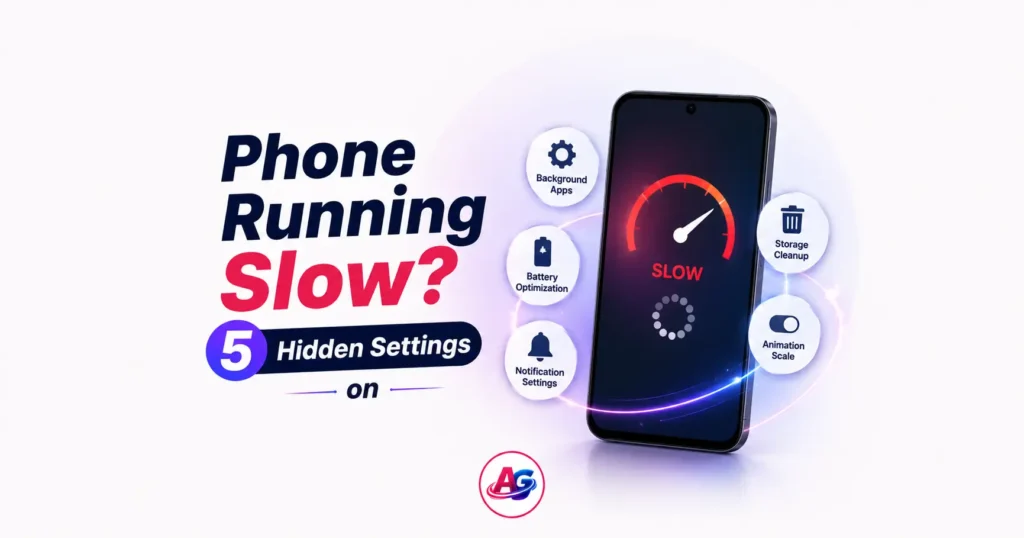

Is your phone also getting slow after 6 months of use? Do apps take time to open? If you are searching for how to make android phone faster, then you are at the right place.
Don’t worry. You don’t need to buy a new phone to fix this problem.
I am from Anshi Gadgets, and today I will tell you 5 hidden settings that will teach you exactly how to make android phone faster and make it 2x faster. The best part is, you don’t need to install any 3rd party cleaner app for this.
Whether you have a Moto G45, `Samsung M15` or any 5G phone under 15000, these tricks will work 100%.
These settings work on Android 12, 13, 14 and 15 and are the best answer for `how to make android phone faster` in 2026.
Let’s get started and find the permanent solution.
Why Does Your Android Phone Become Slow?
Before we learn how to make android phone faster, let’s understand what the problem is.
An Android phone becomes slow due to 3 reasons:
1. Too Many Animations: The phone adds animation to every task which eats RAM
2. Background Apps: 20 apps keep running in the background
3. Full Storage + Cache: When 90% of storage is full, the phone automatically becomes slow
Now let’s fix these 3 problems with 5 settings.
Hack 1 – Turn Off Animation Using Developer Options
This is the most powerful trick if you want to know how to make android phone faster
Animation makes the phone feel “smooth” but it actually wastes 0.5 seconds. Turning it off will make your phone feel like a rocket and is step 1 on how to make android phone faster.
Step by Step:
1. Go to Settings > About Phone > Build Number and tap 7 times. You will see “You are now a developer”
2. Go back to Settings > System > Developer Options
3. Scroll down and find these 3 options:
Window animation scale` > Set to `Animation off`
Transition animation scale` > Set to `Animation off`
Animator duration scale` > Set to `Animation off`
4. Restart your phone
Result: Apps open/close 50% faster. This is the no.1 method for `how to make android phone faster` without any app.
Hack 2 – Limit Background Processes
The biggest reason your phone is slow is 30-40 apps running in the background. If you really want to know how to make android phone faster, you must stop.
Step by Step:
1. Go to Settings > System > Developer Options
2. Scroll down and find `Background process limit`
3. Click on it and select `At most 4 processes`
Pro Tip: After this go to Settings > Battery > Background Usage Limits. Add Facebook, Instagram to “Deep Sleeping Apps”. This is the second most important step for how to make android phone faster.
Hack 3 – Clear System Cache + Free 2GB Storage
When your phone storage is more than 85% full, Android itself becomes slow. Step 3 of `how to make android phone faster` is to free up 2GB of space.
Step by Step:
1. Go to Settings > Storage > Apps
2. Click on the biggest apps like YouTube, Chrome, Instagram
3. Click on `Clear Cache`. Do NOT click `Clear Data`
Hack 4 – Turn Off “Digital Wellbeing” and “Adaptive Battery”
These 2 features are made to save battery but they make the phone slow. For anyone asking how to make android phone faster, turning these off is a must.
Step by Step:
1. Settings > Digital Wellbeing > Dashboard > 3 dots > Turn off usage access
2. Settings > Battery > Adaptive Battery > `Turn Off`
Hack 5 – Use “Lite” Versions of Heavy Apps
The final step on how to make android phone faster is to use Lite apps.
Facebook is 300MB. Facebook Lite is only 5MB.
Instead of Facebook use `Facebook Lite`. Instead of Messenger use `Messenger Lite`.
This will increase your speed by another 40%.
Bonus: One Setting That Damages Speed
Many people install `RAM Booster` apps to learn `how to make android phones faster`. Brother, this is the biggest mistake. These apps themselves eat RAM and show ads. Google itself says: “Android does not need a cleaner app”.
Conclusion
So friends, now you know exactly how to make android phone faster with these 5 settings. Before buying a new phone, definitely try these tricks. After applying this on my own `Samsung M15`, it is running like new.
Remember: The secret to speed is not in hardware, it is in settings.
If you found this guide on how to make android phone faster helpful, share it with your friends. And bookmark anshigadgets.com for more such tech tips.
Frequently Asked Questions
Q1. What is the fastest way on how to make android phone faster?
Developer Options > Animation Scale Off`. This 1 setting alone increases speed by 30%.
Q2. Does clearing cache delete photos?
Ans: No. `Clear Cache` only deletes temporary files. Photos, Videos will remain safe.
Q3. Why is my new 5G phone under 15000 lagging?
Ans: Because companies fill it with bloatware. Apply Hack 2 and Hack 4 from this guide on `how to make android phone faster`.